Summarize a web page on iPhone from the Safari Share menu
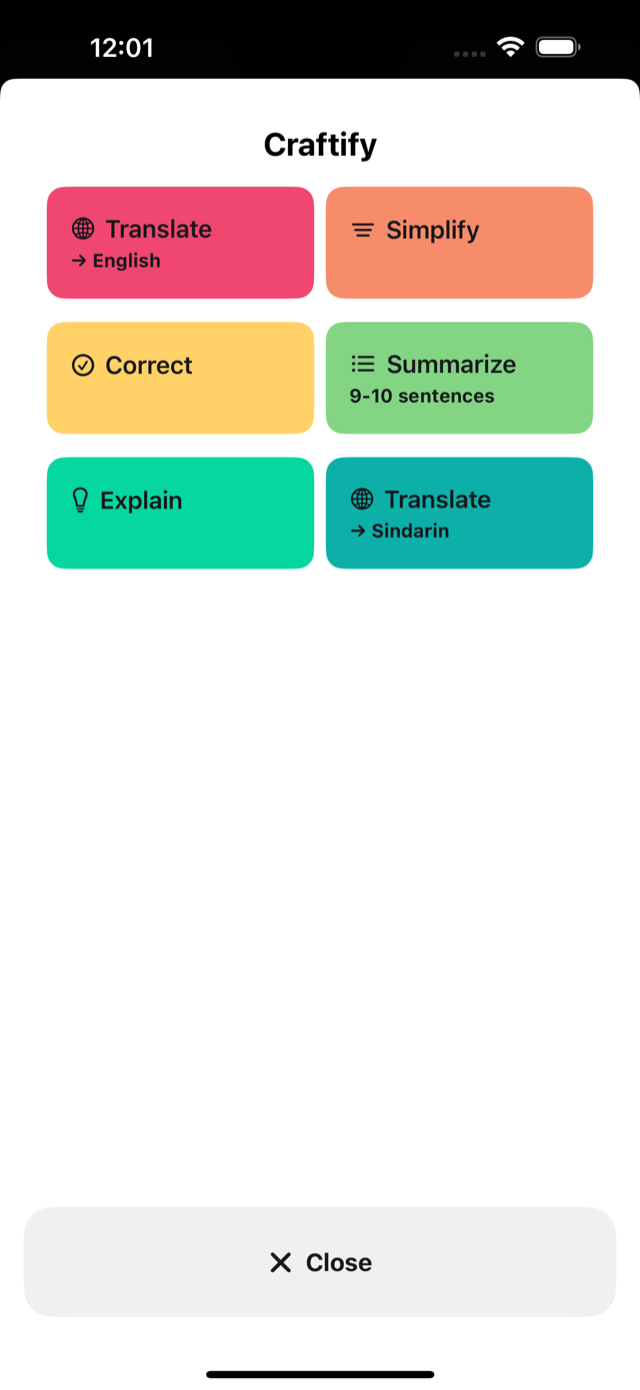
A long article does not have to be pasted into a chatbot to get its gist. Craftify adds a Summarize action to the iPhone Share menu: share the page's link from Safari, tap Summarize, and read a short summary in your own language on the same screen.
Set it up once
- Open Craftify.
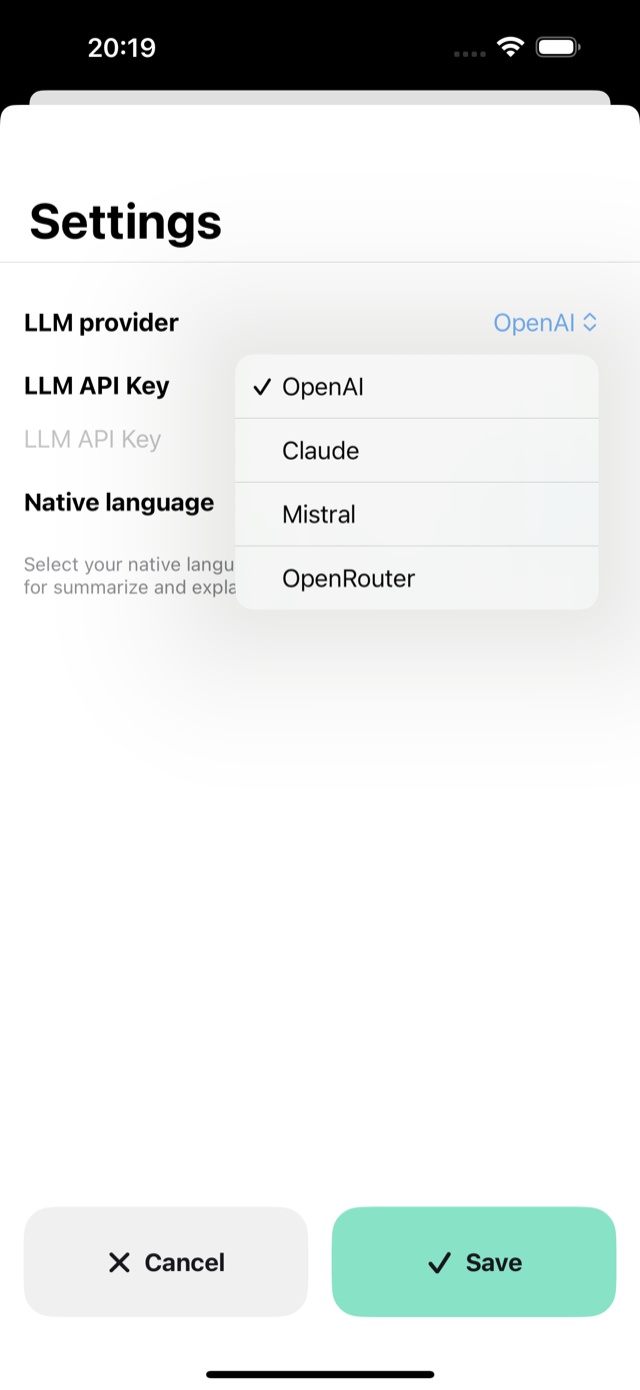
- Choose a provider — OpenAI, Claude, Mistral or OpenRouter — and a model.
- Enter your own application programming interface key for that provider and save it.
- In Settings, check Native language. Summarize writes the summary in this language, whatever language the page is in.
The key is stored in the iOS Keychain. Craftify does not run an intermediary server.
Summarize a page from its link
- Open the article in Safari.
- Tap Share and choose Craftify.
- Tap Summarize. For a link, Craftify offers only the two actions that can read a page: Summarize and Simplify.
- Wait while Craftify shows “Loading page…” and then asks the model.
- Read the summary. Tap Copy & Close to keep it, or Close to go back to the page.
Summarize keeps the main idea and the key facts — who, what, numbers, dates, outcomes — and asks the model to add nothing of its own. The result comes without a preamble or headings.
Summarize only part of a page
Select the paragraphs you care about, tap Share in the menu above the selection, choose Craftify and tap Summarize. When you share selected text, Craftify summarizes that text and does not download the page.
Choose the length
A summary can be 2–3, 5–6, 9–10 or 18–20 sentences long. The Summarize action that comes with the app is set to 9–10 sentences. To change it, tap the Summarize tile in Craftify and pick another length. You can also add a second Summarize tile, for example a short one for news and a long one for reports.
If you used Browse for Me in Arc Search
The Browser Company removes Browse for Me and the other AI features from Arc Search on 23 November 2026; the app stays as a plain browser without sign-in or sync. Craftify is not a replacement for everything Browse for Me did: it does not search the web or combine several sources into one page. It summarizes the one page or the selected text you share with it, from Safari or any other app that shares through the iPhone Share menu.
What to know before you rely on it
- You need your own key. Craftify is free to download. Your provider bills the model usage under its own terms, and a long page costs more than a short one.
- Craftify downloads the page itself. Your iPhone fetches the page straight from the website and keeps its visible text. Craftify is not signed in to your accounts and does not run the page's scripts. A page behind a login or a paywall, or one that builds its text with scripts, may come back empty or incomplete. In that case select the text in Safari and share the selection instead.
- Some sites say no. When a site's rules ask automated readers not to read a page, Craftify respects that and shows “Access to the page is disallowed by the site rules”. Sharing the selected text still works.
- Length limit. One operation accepts up to 100,000 characters. For a link this counts all the text on the page, including menus and footers.
- Time limit. Loading the page and the model's answer must fit into 30 seconds together. If they do not, Craftify shows “Processing timeout” and offers Retry.
- Where the text goes. The page text is sent to the provider you chose, under that provider's policy.
Craftify also includes Translate, Correct, Simplify and Explain. Translate, Correct and Explain work on selected text only, not on links. See also how to correct text from the iPhone Share menu.
View Craftify in the App Store
Screenshots