Correct text from an iPhone app without opening a chatbot
You do not need to copy a draft into a separate chat, explain what you want, copy the answer back, and clean up the preamble. Craftify adds a Correct action to the iPhone Share menu and uses the language and formatting already present in the text.
Set it up once
- Open Craftify.
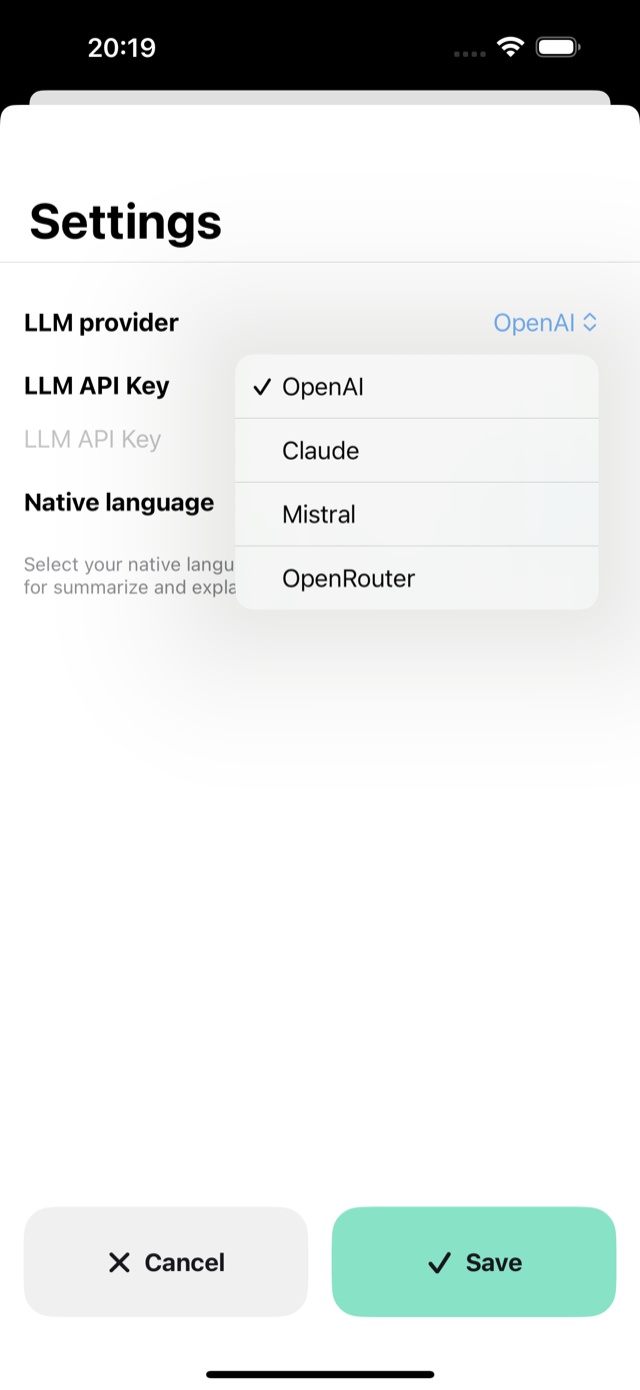
- Choose your supported language-model provider and model.
- Enter your own application programming interface key and save it.
The key is stored in the iOS Keychain. Craftify does not run an intermediary server: the selected text goes from the device to the provider chosen in the app.
Correct a draft
- Select the text in an app that offers the iOS Share action.
- Tap Share and choose Craftify.
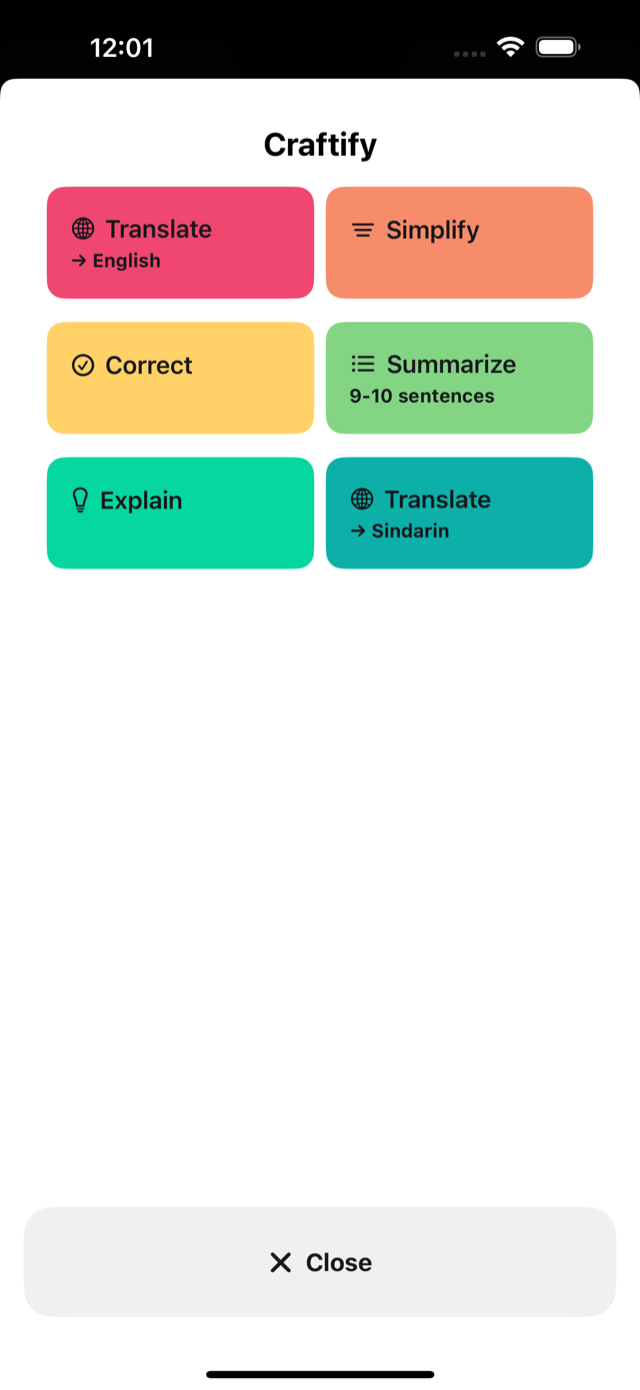
- Choose Correct.
- Wait for the corrected text, then paste the copied result back into the original app.
Correct asks the model to fix spelling, grammar and punctuation while keeping the input language and formatting. The Share extension accepts up to 100,000 characters in one operation.
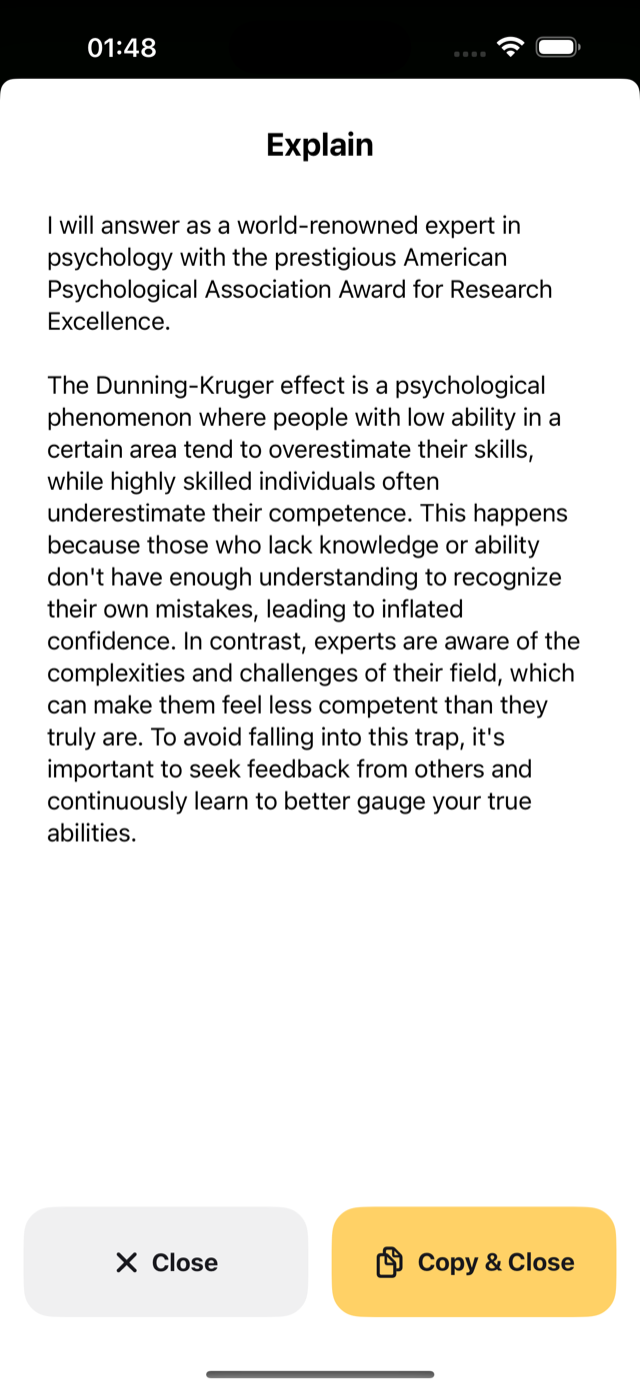
Craftify also includes Translate, Simplify, Explain, and Summarize. They have different output behaviour: Correct, Translate, and Simplify copy the result; Explain and Summarize show it for reading.
Craftify is free to download. Your provider may charge for model usage under its own terms.
View Craftify in the App Store
Screenshots